Allen & Heath QU-PAC Portable 22-In/12-Out Digital Mixer
No reviews
Sale price$2,699.00Regular price$2,990.00(/)
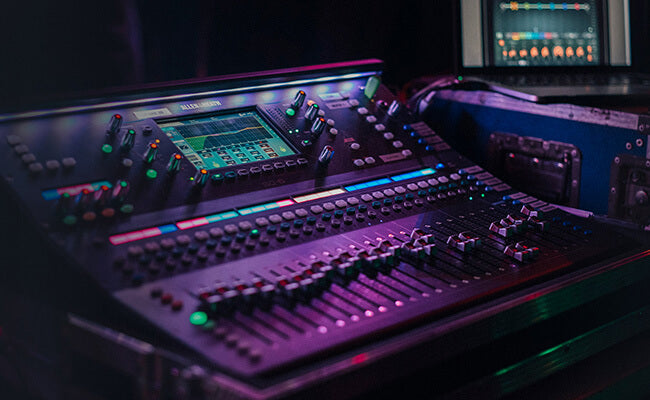
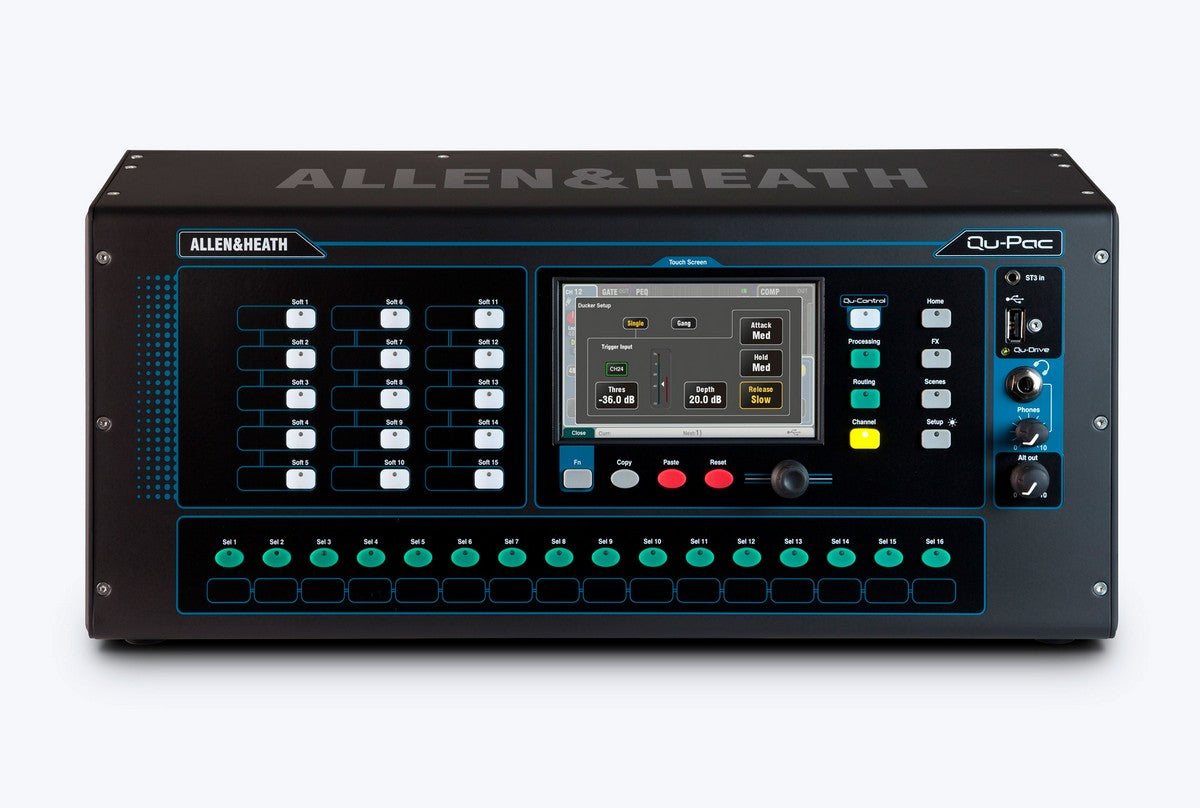
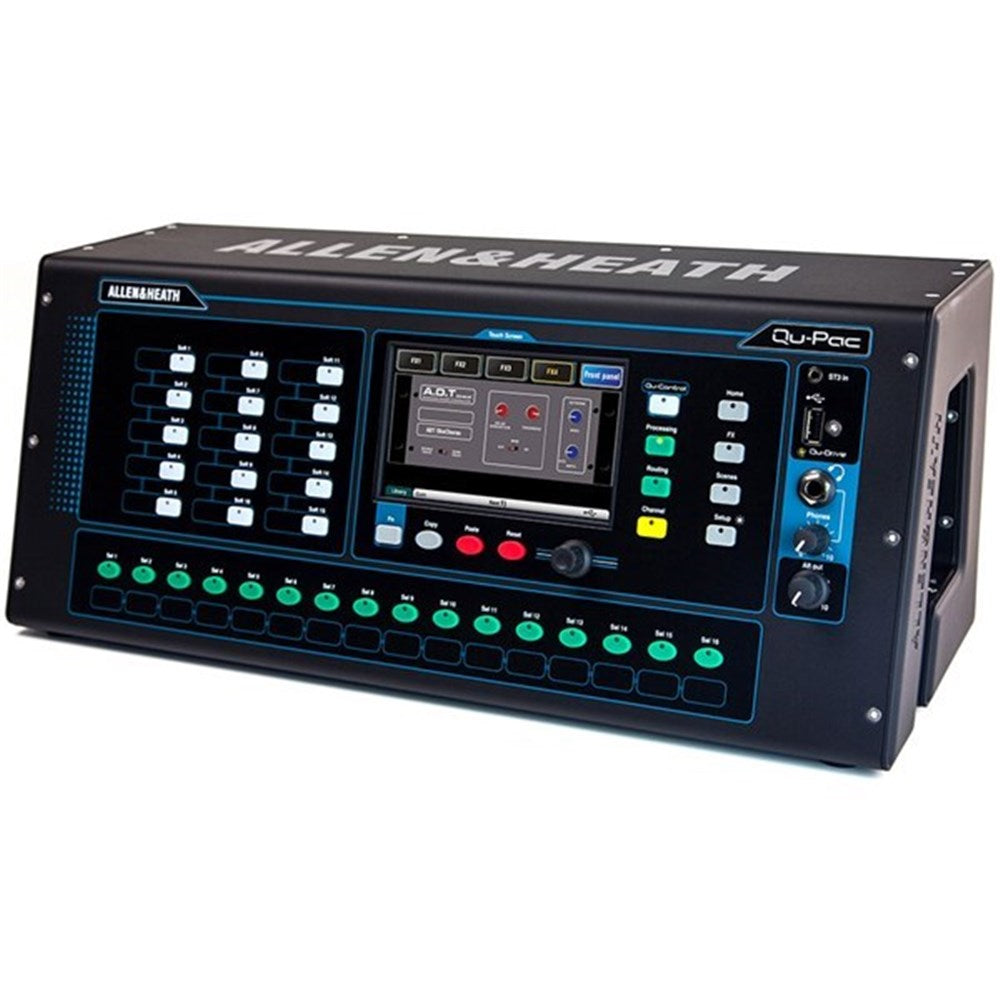
Qu-Pac takes the power and legendary quality of the Qu family and shrinks it into a compact desk or rack mount format. With Qu-Pac you are free to mix from your iPad, but the full functions of the mixer can be accessed from the front panel and touchscreen should you need them.
With custom settings and Cat5 expansion up to 38 inputs, Qu-Pac provides a scalable, failsafe solution for hardworking bands, schools, hotels, corporate events, live music bars, conferences, personal mixing and many more scenarios requiring a pro mixing solution in a tiny footprint. User permissions and the customisable Qu-Control screen make Qu-Pac convenient and safe for day-to-day use by non-technical staff.
Qu provides much more than just a mixer. Qu is an entire ecosystem with Remote AudioRacks allowing I/O to be placed where it’s needed, ME Personal Mixers expanding monitor mixes and enabling simple, time-saving local control, Qu Apps for complete remote setup and wireless mixing on stage or anywhere else in the venue, ProFactory Mic presets to speed up preparation time and ensure the best sound, plus USB recording and DAW integration for powerful workflow optimisation from one centrepiece device.
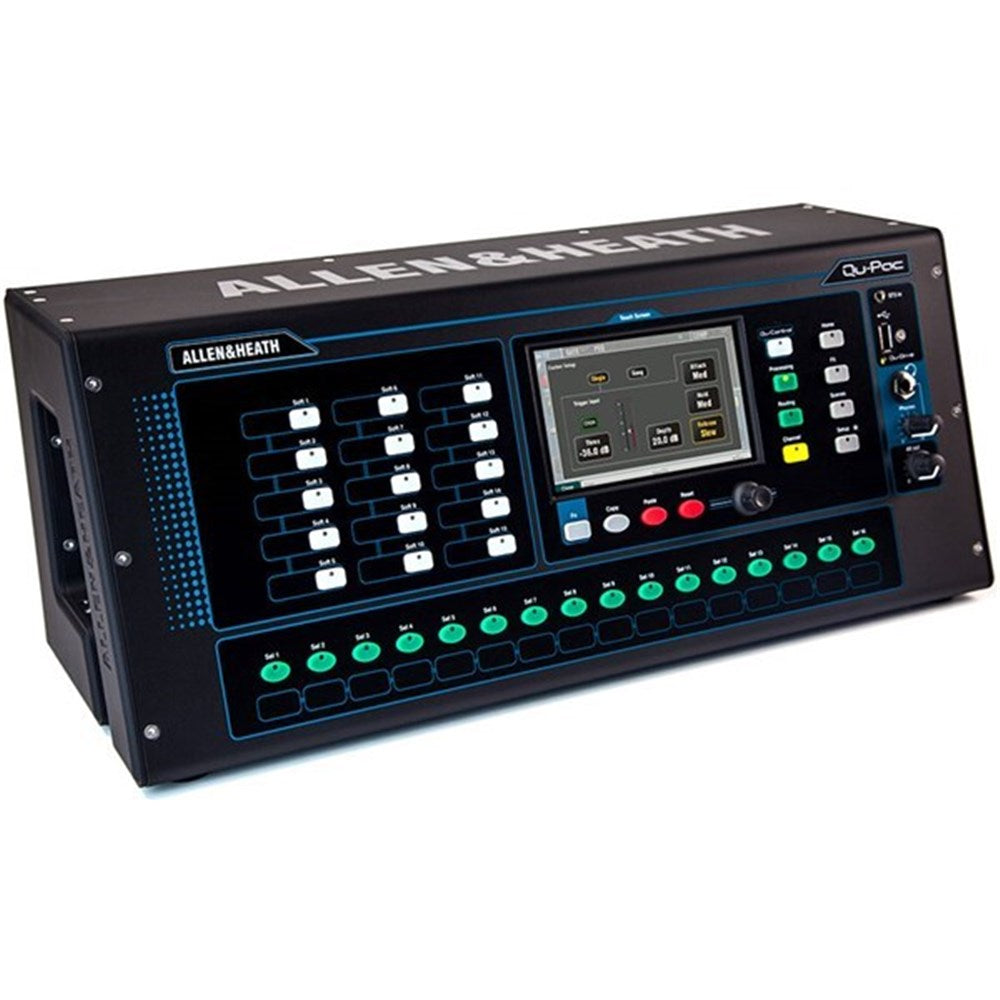
Having massive processing power and advanced functionality is great, but it counts for nothing if you can’t access the controls you need in a heartbeat. The 800 x 480, sixteen million colour Touchscreen and its dedicated data encoder form the heart of Qu-Pac’s interface, providing super-fast, easy access to all settings. Dedicated keys and screen tabs quickly guide you to meter and RTA views, FX racks, channel processing, USB audio control, scenes, setup menus and much more.
The Qu-Control key brings up a fully customizable screen which gives access to channels and settings tailored to the user and application. Several ‘widgets’ can be assigned to the page, including channel levels, mutes and assignment on/off switches and are arranged to suit the user requirement, for example, as a source selection and level control of background music to one or multiple zones.
Add the fully-featured Qu-Pad app for iPad to your Qu-Pac and you’re free to EQ and mix monitors on stage, roam around the venue whilst adjusting the PA, and mix the show from the heart of the audience. Qu-Pad connects to the mixer over Wi-Fi and gives instant access to all live mixing parameters and settings.
Qu-You allows up to seven performers to control their own monitor mixes using any iOS or Android device, and frees up the engineer to focus on mixing for the audience. Qu-Control is a customisable iOS app providing a simple interface for non-technical users to control the essential parameters of Qu mixers when technical operators are not around. Apps require the connection of a Wi-Fi router or access point to the mixer’s Network port.
Features
19” Rack Mountable
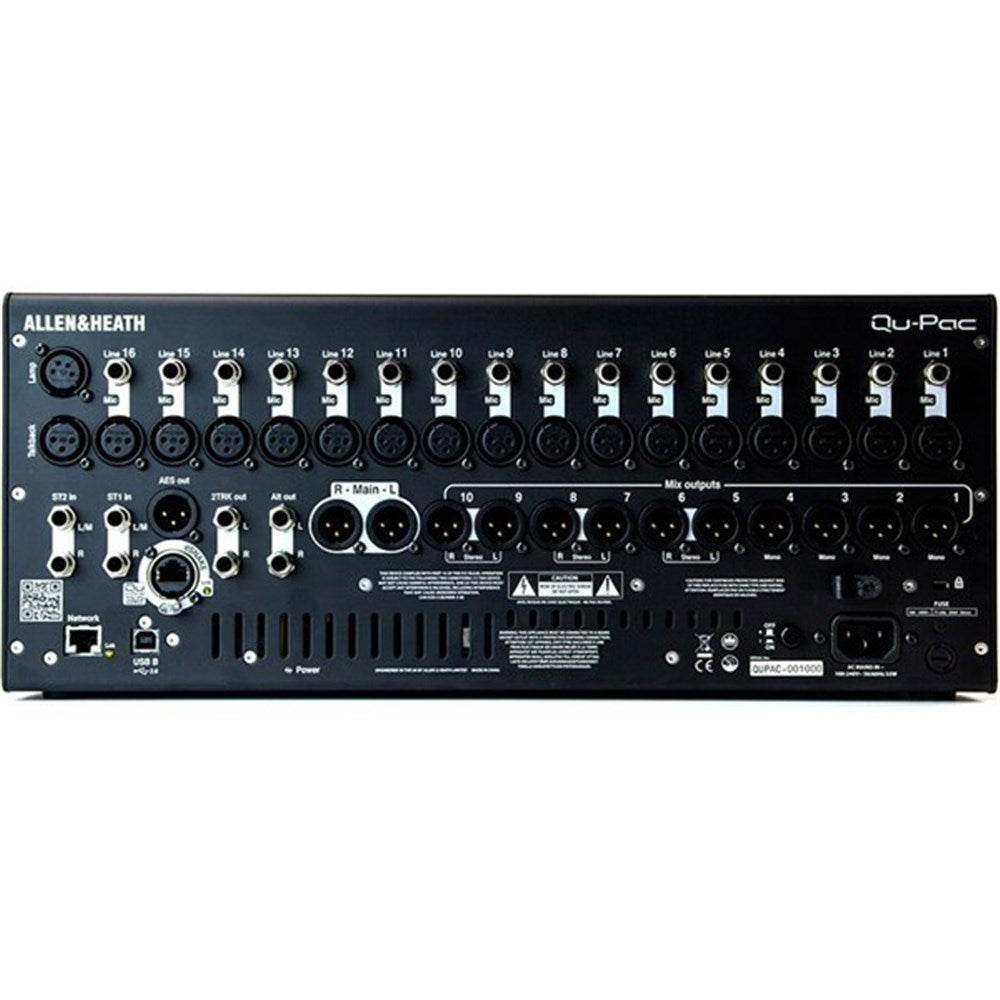
16 local Mono Mic/Line Inputs (TRS + XLR)
Recallable AnaLOGIQTM Preamps
3 Stereo Inputs (TRS)
12 local Mix Outputs (XLR)
Expandable to 38 input, 24 out using dSNAKE AudioRack
4 Stereo Groups (switchable to Mix mode)
Up to 11 Monitor Mixes (4 mono + 7 stereo)
4 FX Engines
4 dedicated FX Sends / Returns
4 Mute Groups
4 DCA Groups
AES Digital Out
32×32 USB Audio Interface
dSNAKETM Remote Audio Port
800×480 Touchscreen
15 Soft Keys
16 Custom Select keys
Trim, polarity, HPF, gate, insert, 4-band PEQ, compressor, delay on all Inputs
Insert, 4-band PEQ, 1/3 octave GEQ, compressor, delay on all Outputs
Automatic Mic Mixer
Channel Ducker
iLive FX Library
Built-in Signal Generator
RTA with Peak Band indication
Spectrogram to aid feedback elimination and room acoustics
DAW MIDI Control
Customisable Qu-Control screen to suit your application
There was a little glitch with dispatch, I wasn't bothered but the guys at mix foundation reached out to me when they noticed and got it fixed up, I really appreciated the phone call.
I have a complex set up for my home sound system enjoying playing my records over 2 decks, 10 speakers providing sounds in various rooms (and 3 amps to run them), and of course a bass, and wanting various input sources (computer, decks, radio, usb etc). When my valve linestage died, I needed something to run this complex system or had to rethink the whole set-up. I looked at pre-amps, but all had limited inputs or were very pricey to meet my needs...then someone suggested a mixer and the Allen & Heath ZED-10 is truly multipurpose! It gives me so much more versatility than a pre-amp in the way I can run the system, and I still have spare input sources available. Everything is sounding great, and I can adjust/equalize the different inputs (which I was not able to do before). In my opinion for the price tag you really get great quality and value for money. Note: I'm not an audio expert so apologies if the terminology used is not the best.